The Big Spring Update 🚀
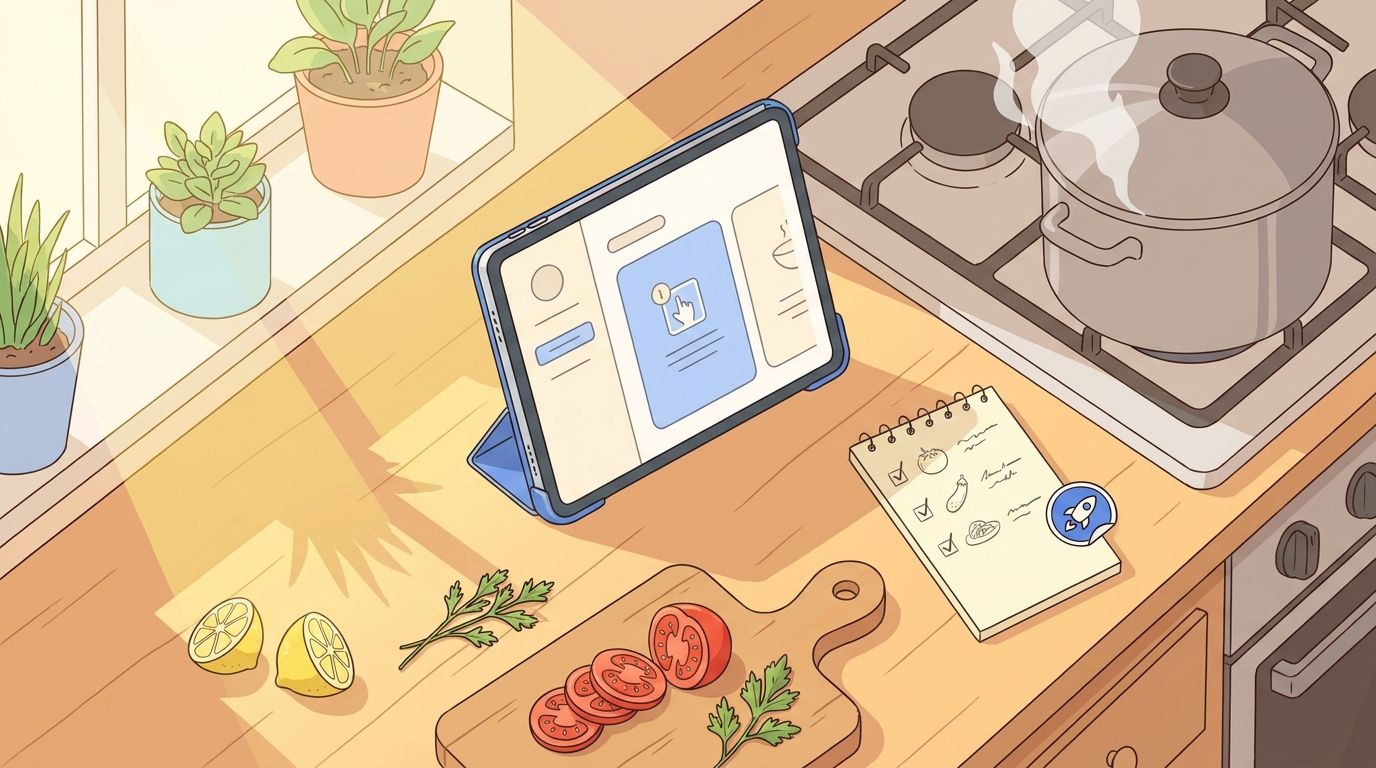
It's been a while since my last update - almost 4 months! I've been busy building, fixing, and polishing Mr. Cook pretty much every day. Instead of writing about it, I just kept going. So here's everything that happened since January.
🍳 Cooking Mode
This one's been requested a lot. You can now enter a dedicated cooking mode for any recipe. It keeps your screen on, walks you through each step, and makes it easy to check off ingredients as you go. I also redesigned the servings slider - adjusting how many people you're cooking for is now way more intuitive.
💳 One Simple Plan
I merged the old Plus and Pro plans into a single Pro plan. Less confusing, more value. If you were on Plus before, you've been automatically upgraded - no action needed.
I also decided to remove the lifetime plan. It was a great deal for early supporters (and if you have one, it's yours forever!), but it wasn't sustainable long-term for a solo project like Mr. Cook. Going forward, monthly and annual plans keep things fair for everyone and help me keep building.
🔍 Discover Page Redesign
The Discover page got a major overhaul. Recipes are now sorted by rating, see how many comments a recipe has, and browse other users' profiles and public cookbooks. Better recipes now show up first, so it's easier to find something great to cook.
📥 Smarter Recipe Imports
Importing recipes keeps getting better:
YouTube: Just paste a YouTube link and the recipe gets extracted from the video
X (Twitter): You can now import recipes shared on X
Pinterest: Paste a Pinterest link and it automatically follows it to the original recipe
Multiple photos: Select multiple photos at once when scanning recipes
Hard-to-reach websites: Even websites that are difficult to import from now work much more reliably
Incomplete recipes: If an import comes back with missing info, the AI now tries to fill in the gaps automatically
🛒 Shopping List Upgrades
You can now edit shopping list entries directly - no more deleting and re-adding when you need to change something. There's also a copy button to quickly copy your entire list, and your changes are now saved even when you lose internet connection.
📤 Better Sharing
Sharing recipes has been completely reworked. You can now copy a recipe as plain text (great for messaging apps or as a social media description), create beautiful social media stickers of your recipes, and on iOS the native share menu now works properly.
⚡ Faster Everywhere
The app should feel noticeably snappier. I've optimized images, reduced loading times, and made a lot of behind-the-scenes improvements. Especially opening recipes and browsing your collection should be faster now.
🤖 Smarter AI
Recipe generation, scanning, and AI image creation have all been upgraded. Scanning is now more accurate, especially for handwritten or lower quality photos. There's also a new feature that automatically finds ingredients mentioned in your cooking steps and adds them to the ingredient list.
✨ Quality of Life
A bunch of smaller things that add up:
Haptic feedback on iOS when checking off ingredients or shopping list items
Login helper - your last used login method is now highlighted so you never have to guess
In-app help with articles for common questions
Better nutrients display with a cleaner layout
💚 Thank You
These past 4 months have been some of the most productive since I started Mr. Cook. If you're a subscriber - thank you, you make all of this possible. If you're on the free plan - I hope you're enjoying it and considering an upgrade.
💬 Feedback
Got ideas, found a bug, or just want to say hi? I'm always reading your feedback.
- Jan