AI Meal Planning & more ✨🍽️
Less than a month since my last update — and there's already a lot to share.
🗓️ AI Meal Planning
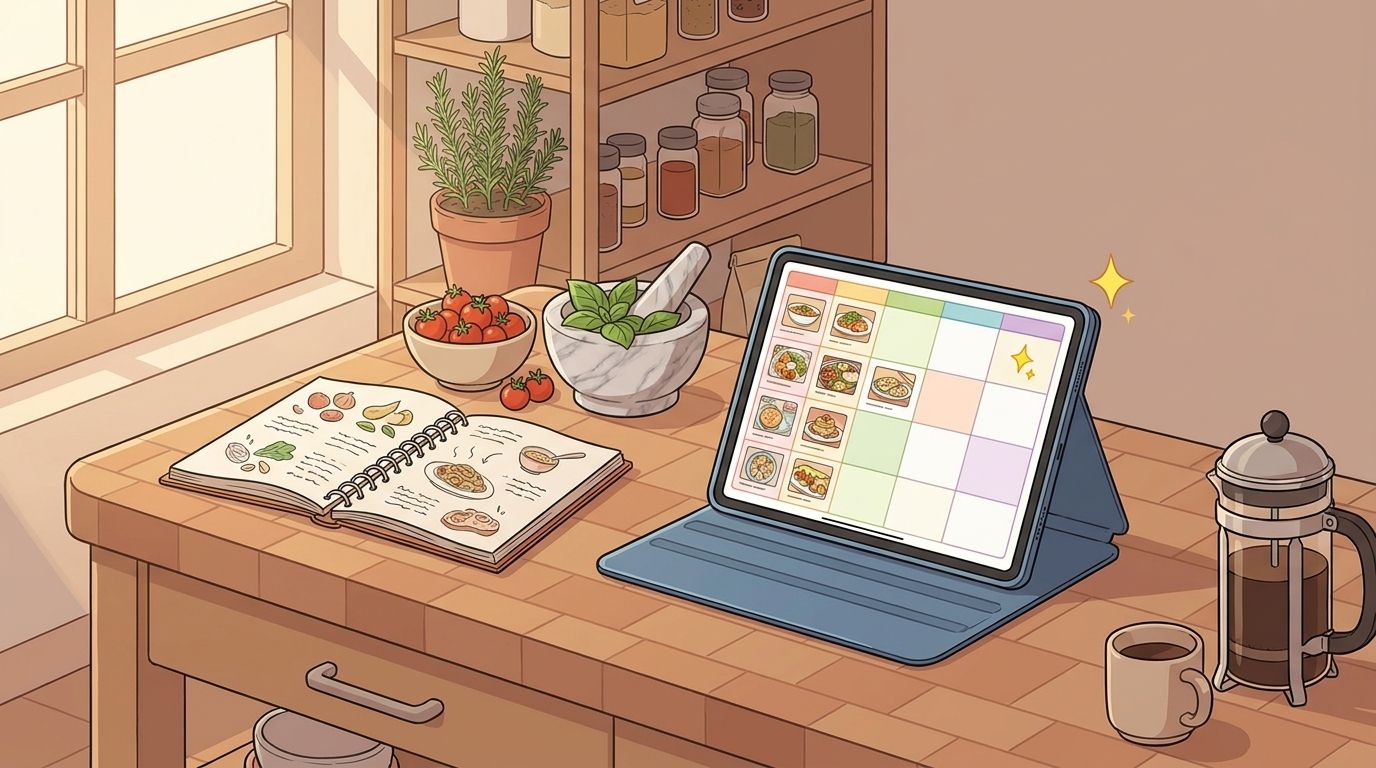
This is the big one. You can now generate a full meal plan with AI. Tell it your preferences, how many days you want to plan, and it builds out your week. The generated plan gets saved automatically, so you can come back to it later.
Week navigation arrows at the bottom make it easy to jump between weeks. And by popular request — you can now set servings directly in the meal plan and shopping list dialogs.
🎉 Cooking Mode End Screen
When you finish all the steps in Cooking Mode, you now get a celebration screen with confetti. From there you can rate the recipe, upload a photo of what you made, or share it — all without leaving the flow.
🎨 Recipe Cards Redesign
I redesigned the recipe cards across the app. They look cleaner, have better contrast, and the overall color scheme feels more polished. The membership card got a refresh too.
⚙️ Reorganized Settings
Settings got a cleanup. Everything is grouped more logically now, so it's easier to find what you're looking for.
✨ Quality of Life
A bunch of smaller wins:
New loading animations across the app
Better recipe text export — copying a recipe as text now produces a cleaner result
Simpler "Add Recipe" dialog — fewer steps to get started
PDF text fix — exporting to PDFs is now properly handling special characters
Printing — hidden unnecessary buttons when printing recipes
Landscape notch fix — Cooking Mode now handles landscape mode and notches properly
Dialog polish — fixed overlay flickers and spacing issues throughout the app
💚 Thank You
As always — every subscriber keeps this one-person project going. If you're enjoying Mr. Cook, consider upgrading or leaving a review. It means the world.
💬 Feedback
Got ideas or found something broken? I'm always reading your feedback.
- Jan