Cooking Timers & a Summer Full of Updates ⏲️
It's been almost two months since my last update — I've been heads-down building. Here's everything worth knowing from June and July.
⏲️ Cooking Mode Timers
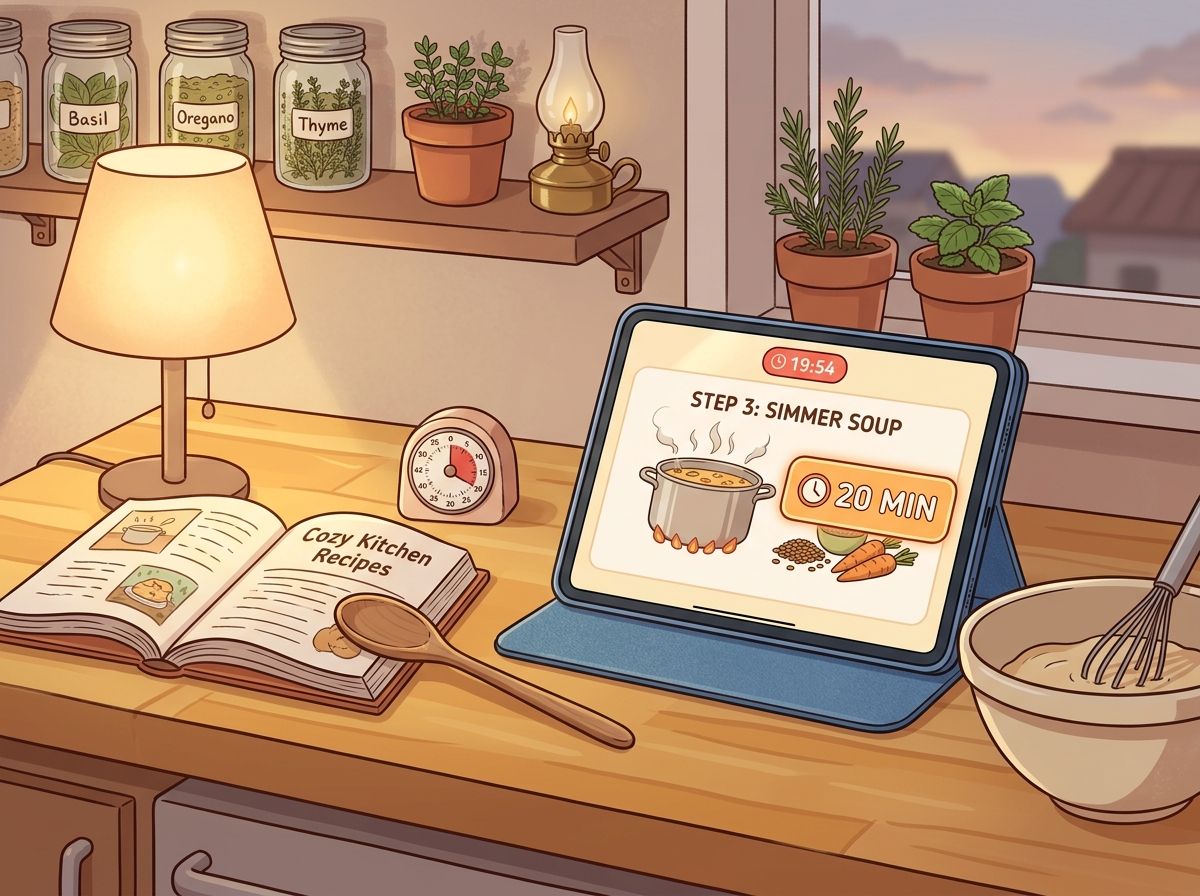
The big one. Cooking Mode now detects time mentions in your recipe steps — "simmer for 20 minutes", "bake 45–50 min", and so on — and lets you tap to start a timer right from the step.
Timers show up in a bar at the top while you cook. On iOS and Android they run as native background timers, so you can switch apps and still get notified when time's up. You can run multiple timers at once and pause or stop them individually.
🥄 Ingredient Amounts in Steps
While you're in Cooking Mode, ingredient mentions in each step now show the quantity inline — so when a step says "add the olive oil", you'll see exactly how much without scrolling back to the ingredient list. There's a toggle in Preferences if you'd rather keep steps clean.
📥 Smarter Social Media Imports
I've spent a lot of time making recipe imports from videos more reliable:
YouTube captions — recipes can now be extracted from closed captions, not just audio transcription
Longer videos — transcription works for videos up to 10 minutes
Smart link detection — if a TikTok or Instagram caption contains a link to the actual recipe, I'll follow it automatically
Clearer errors — when an import fails, you'll get a specific reason instead of a generic error message
Ingredient parsing also got a major upgrade for all 12 supported languages — amounts and units should read much more naturally now, no matter what language your recipe is in.
🔗 Sharing & Invites
Every recipe is shareable — you no longer need to make a recipe public first. Just share the link.
New invite pages — when someone shares a cookbook or shopping list with you, they get a proper landing page with a preview, QR code, and one-tap join. Much nicer than the old bare-bones flow.
Private profiles — you can now hide your profile from search and other users. Your recipes stay as they are.
🎨 Recipe Page Redesign
I reorganized the recipe page to make the important stuff easier to find — actions, info, and content have a clearer hierarchy. The macro/nutrient cards got a visual refresh too, with cleaner bars and a more compact layout.
🍰 Recipe Organization
A few things you've been asking for:
Linked recipes — connect related recipes to each other (think: "serve with my garlic bread")
Tag management — rename, merge, and delete tags in a dialog instead of a separate page
New filters — filter by favorites, or find recipes that have no tags at all
Baking time — recipes now have a separate baking time field, distinct from prep and cook time
🍽️ Servings & Planning
You can now set servings below 1 (hello, half-recipes). Servings can also be adjusted directly when adding a recipe to your meal plan — no need to go back to the recipe page first.
✨ AI Improvements
Redesigned AI recipe suggestion cards — clearer layout, better descriptions
Better AI-generated recipe images
Updated to newer AI models across generation, scanning, and nutrient analysis
🏠 Better First Impressions
New users get a redesigned empty state on the recipes page — clearer paths to import, scan, or generate their first recipe. Less dialog-hopping, more inline actions.
🌍 More Cuisines & Languages
Added new cuisine options (Caribbean, Colombian, Fusion, Hawaiian, Palestinian, and more) and three new recipe languages: Lithuanian, Hungarian, and Bulgarian.
🛠️ Quality of Life
Smaller wins bundled together:
New import animations — orbiting icons while your recipe loads
Better dropdown menus throughout the app
Inline dialog errors — validation errors show right in the dialog, not as toasts
Discover filter for favorite recipes
Scanner resilience — better retry logic when a scan fails
AI image badge — AI-generated recipe images are now labeled as such
💚 Thank You
Two months of work, one person. Every subscription and kind review keeps this going — thank you.
💬 Feedback
Got ideas or spotted something off? I'm always reading your feedback.
- Jan